How to push intent leads into HubSpot (or another CRM)
To push intent leads into HubSpot, connect ReadyBuyerFinder with a HubSpot private app access token, pick HubSpot as a destination on your agent, and approve leads. Each approved lead arrives as a HubSpot contact (matched by email) with a note holding the why-now reasons, score and sources. The same works for Pipedrive, Salesforce, Attio and Zoho CRM.
Why it matters
Your team already works in the CRM. Leads that arrive there with their reasons get followed up; leads in a spreadsheet get forgotten.
A delivery log with retries means a push never fails silently.
Step by step in ReadyBuyerFinder
1. Create a free account
Go to readybuyerfinder.com/signup, enter your work email and type the 6-digit code we email you. There is no password and no card, and your first 3 months are free.
2. Create a HubSpot private app
In HubSpot, create a private app that can read and write contacts, and copy its access token.
3. Connect HubSpot
In ReadyBuyerFinder, open Integrations, choose HubSpot and paste the token. It is stored encrypted.
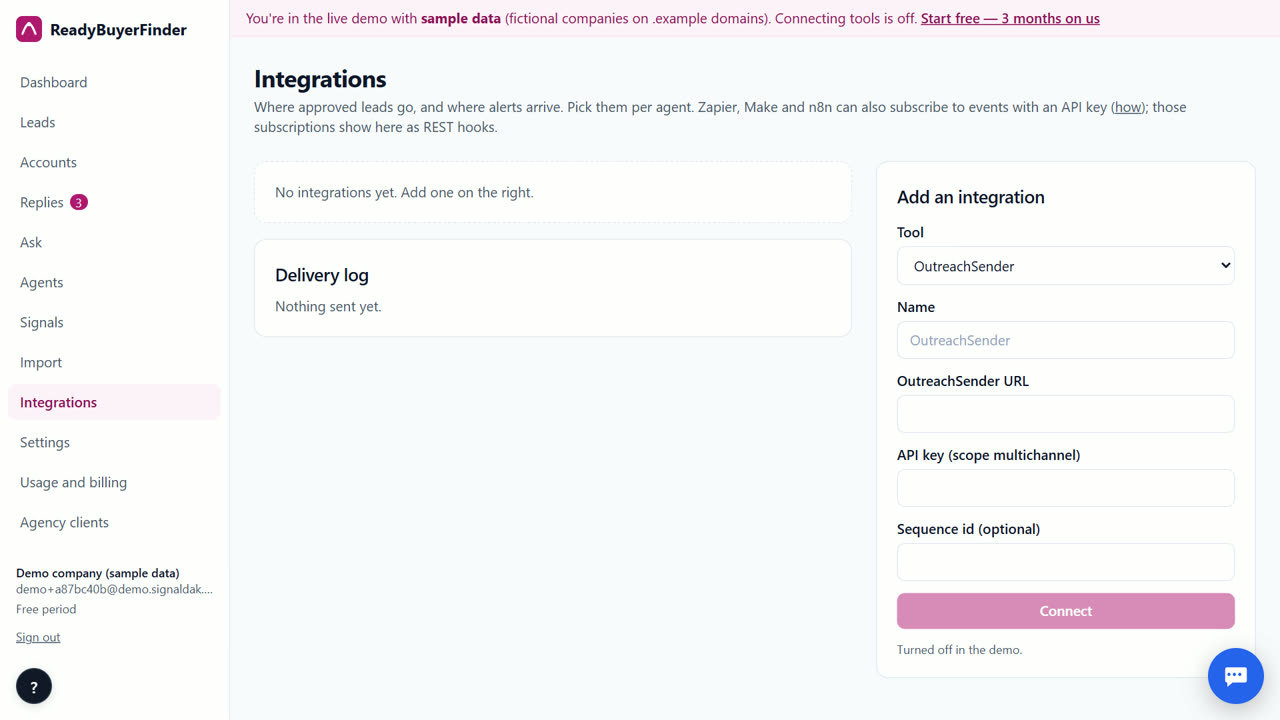
4. Add HubSpot to your agent
On the agent, pick HubSpot under destinations. You can pick several, for example HubSpot and your sequencer.
5. Approve leads
Approve leads one by one or in bulk, or switch on auto mode for leads with a verified email and a draft that passed the fact-check.
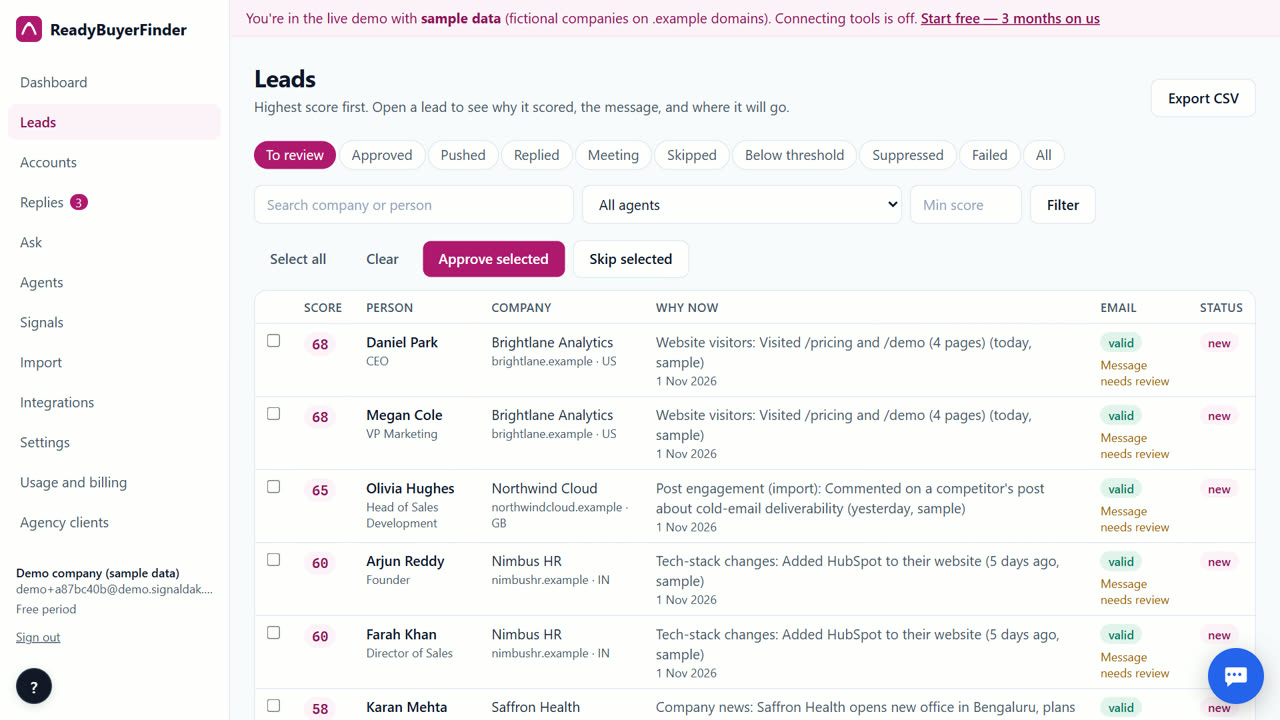
6. Check the delivery log
Integrations → Delivery log shows every push and its result. Failures retry by themselves (1 min, 5 min, 30 min, 2 h, 12 h), and owners get an email if a push still fails.
Tips
- Use a webhook destination for any tool we don't list.
- REST hooks work with Zapier, Make and n8n.
When ReadyBuyerFinder is not the right tool
ReadyBuyerFinder doesn't keep a two-way sync of every CRM field. If you need full CRM enrichment and field updates, a CRM-native enrichment tool fits better; we push approved leads with their reasons.
Questions
Which CRMs are supported?
HubSpot, Pipedrive, Salesforce, Attio and Zoho CRM, plus webhooks and CSV export.
Do you overwrite my CRM fields?
In HubSpot the contact is matched by email, and its name, job title, company and website are set from the lead. Everything else, including the why-now reasons, goes into a note.
Can I test the connection?
Approve one lead and check the delivery log.
ReadyBuyerFinder is free for your first 3 months; after that you pay only for what you use, at our cost.
Start free — 3 months on usRelated
- Intent signals for outbound agencies
- Intent leads for founders doing their own sales
- ReadyBuyerFinder vs Clay
- Pricing: free for 3 months, then at cost
Last updated 2 November 2026 · By Venu Gopal Reddy Muvva, founder, Surge Software Solutions